
 By admin
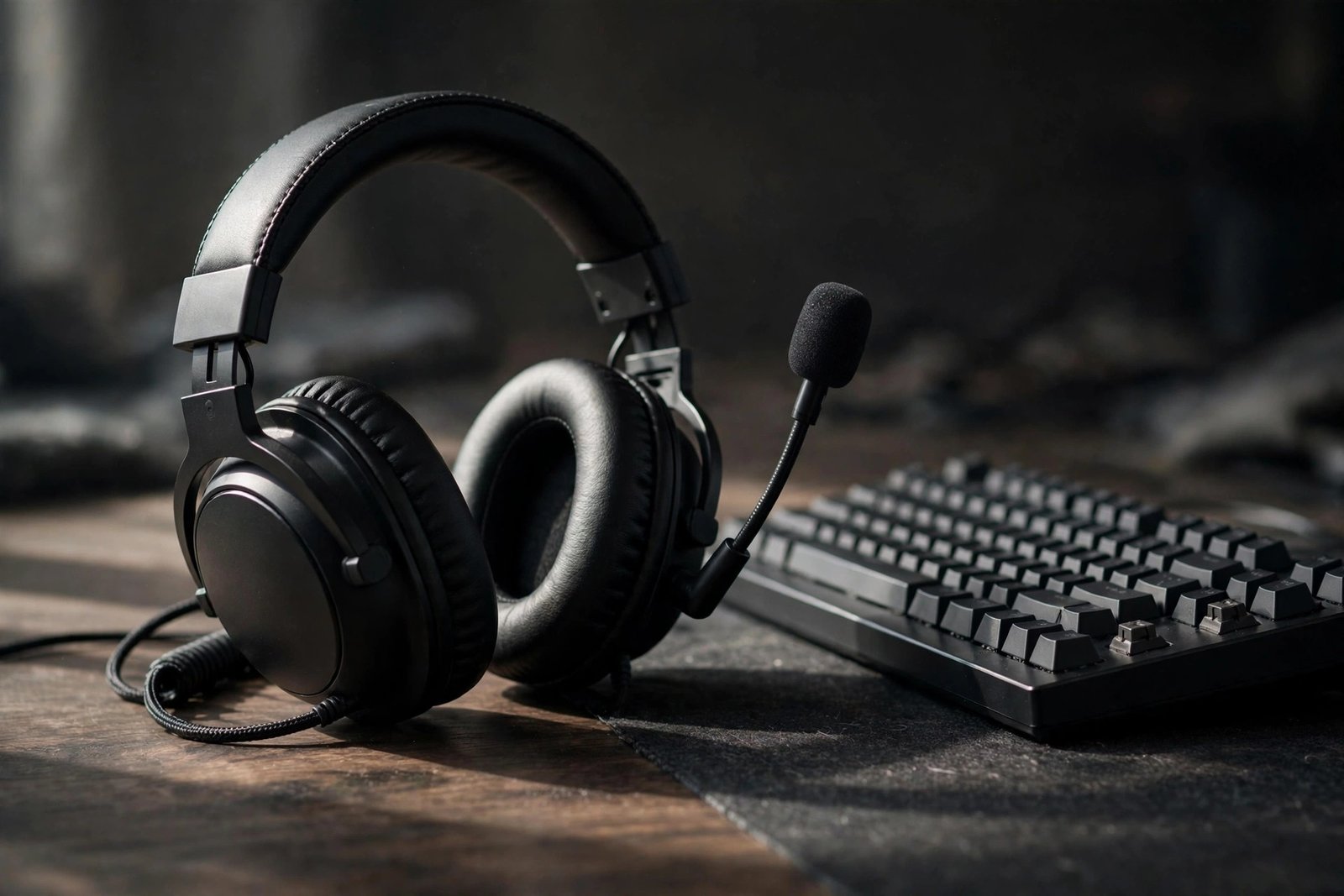
A great gaming headset under $100 is one of the best value purchases in all of gaming — clear team comms, immersive sound, and all-day comfort without the audiophile price tag. But the sub-$100 market is a minefield of flashy “gaming” branding over mediocre drivers, flimsy build quality, and microphones that make you sound like you’re calling from underwater. The good news: several headsets in this range genuinely punch above their weight.
This guide covers what actually matters in a budget gaming headset, the features worth paying for (and the gimmicks to ignore), top picks by use case, and how to make a $70 headset sound like a $150 one.
What Actually Matters (Ignore the Marketing)
Comfort first: you’ll wear this for hours — weight under 350g, breathable ear cushions, and reasonable clamping force matter more than any spec. A headset you take off after an hour is worthless regardless of sound quality. Microphone clarity: for team games, your mic quality affects everyone — look for detachable or flip-to-mute boom mics with noise rejection. “Gaming” mics vary wildly; check recorded mic samples in reviews before buying.
Sound signature: gaming benefits from clear mids/highs (footsteps, reload cues) more than overwhelming bass — bloated bass muddies the positional cues competitive players need. Build quality: metal-reinforced headbands and detachable cables survive years; all-plastic with fixed cables dies young. What to ignore: “7.1 surround sound” in stereo headsets (it’s software virtualization — Windows Sonic and Dolby Atmos for Headphones do it free), RGB lighting (you can’t see it while wearing it), and extreme frequency-response claims (20Hz–40kHz means nothing without a response curve). RTINGS’ gaming headset rankings test all of this objectively.
Top Picks by Use Case
Best overall value: The HyperX Cloud II remains the sub-$100 benchmark years after release — comfortable, durable aluminum frame, solid mic, and balanced sound. Its longevity in recommendations is itself the review. Best for competitive FPS: headsets with bright, detail-forward tuning and excellent imaging (the ability to place sounds in space) — look at the SteelSeries Arctis Nova 3 or similar, prioritizing positional accuracy over bass thump.
Best wireless under $100: wireless at this price means compromises, but options like the SteelSeries Arctis 1 Wireless or Logitech G435 deliver lag-free 2.4GHz audio with acceptable battery life — worth it if cable drag drives you crazy. Best for glasses wearers: headsets with soft, low-clamp earcups and glasses channels (HyperX Cloud series excels here) — clamp pressure on glasses arms causes headaches within an hour on the wrong headset. Best mic quality: detachable boom mics generally outperform integrated ones; check Tom’s Hardware review mic-test recordings, which reveal differences specs never show.
Wired vs. Wireless, Open vs. Closed
Wired under $100 gets you better sound per dollar, zero latency, zero charging, and zero wireless interference — the rational choice for desk gamers. Wireless buys freedom of movement at the cost of audio quality per dollar and battery anxiety; only worth it if you genuinely move around mid-game. Closed-back (sealed earcups) is the default for gaming — it blocks household noise and keeps your game audio from leaking into your mic. Open-back sounds more natural with a wider soundstage but leaks sound both ways — great for single-player immersion in a quiet room, terrible for Discord calls.
For most buyers: wired, closed-back, with a detachable cable and detachable mic. That combination maximizes durability (replace cables, not headsets), versatility (use as regular headphones), and value. If you also take calls or work from home, a headset that doubles well matters — compare with noise-cancelling headphones for working from home if your use is split.
Making a Budget Headset Sound Premium
Use EQ: free tools like Equalizer APO with Peace GUI (Windows) transform budget headsets — a gentle bass reduction and treble lift for competitive games, or a warm curve for cinematic single-player. Fifteen minutes of tuning closes half the gap to headsets costing twice as much. Enable virtual surround properly: Windows Sonic (free, built into Windows) or Dolby Atmos for Headphones ($15 one-time) adds genuine positional improvement for compatible games — better than any headset’s bundled “7.1” software.
Mic positioning: position the boom 1–2 finger-widths from the corner of your mouth, not directly in front — this captures voice while minimizing breath noise. Enable noise suppression in Discord (Krisp or RNNoise) — it makes a $30 mic sound like a $100 mic to your teammates. Maintain it: wipe ear cushions monthly, store on a stand (not tossed on the desk), and replace worn cushions ($10–$15) instead of the whole headset — fresh pads restore both comfort and sound isolation. Long sessions demand comfort everywhere — protecting your eyes during screen time completes the marathon-gaming setup.
Comfort for Long Sessions: The Ergonomics Nobody Mentions
Sound quality means nothing if the headset hurts. Beyond the basics, check these: earcup depth — shallow cups press your ears against the drivers, causing ache within an hour; deep cups are worth seeking out. Headband padding — a wide, well-padded band distributes weight; narrow bands create pressure points on long sessions. Weight balance — front-heavy headsets slide forward constantly; try before you buy when possible. Glasses compatibility — if you wear glasses, prioritize headsets reviewers specifically praise for glasses comfort, since temple pressure ruins otherwise great headsets. And take a 5-minute break every hour: no headset, however comfortable, is meant for 6-hour unbroken wear, and your ears, neck, and eyes all benefit from the reset.
Conclusion
The best gaming headset under $100 prioritizes comfort, mic clarity, and build quality over marketing gimmicks — and stalwarts like the HyperX Cloud II prove you don’t need to spend more. Buy wired and closed-back unless you have a specific reason otherwise, tune with free EQ software, and maintain the pads. Do that, and your $70–$90 headset will outperform $150 headsets bought on branding alone. Smart buying beats big spending — in audio as in everything else.
Frequently Asked Questions
Are expensive gaming headsets worth it over budget ones?
Diminishing returns hit hard around $100–$150. Above that you’re paying for wireless convenience, brand premium, or marginal audio improvements most gamers can’t distinguish in actual gameplay. A well-chosen $80 headset with EQ tuning beats a $200 headset used stock for most players.
Do I need a DAC or amp for a gaming headset?
No — virtually all sub-$100 gaming headsets are designed to run from motherboard audio or controllers. A DAC/amp helps high-impedance audiophile headphones, not typical gaming headsets. If your audio sounds bad, the culprit is almost always the headset’s tuning or a poor connection, not insufficient amplification.
How long should a gaming headset last?
A well-built headset (metal reinforcement, detachable cable) lasts 3–5 years of daily use; cheap all-plastic models often die within 1–2 years at the cable joint or headband. Replaceable ear cushions and cables are the features that extend lifespan — prioritize them over cosmetic extras.
Can I use a gaming headset for music and calls too?
Yes, with caveats: gaming-tuned sound (emphasized bass, recessed mids) isn’t ideal for music, but EQ fixes most of it. Detachable-mic models work fine for calls and look normal in public. If music matters equally, consider studio-style headphones plus a clip-on mic — often better value than a “gaming” badge.