
 By admin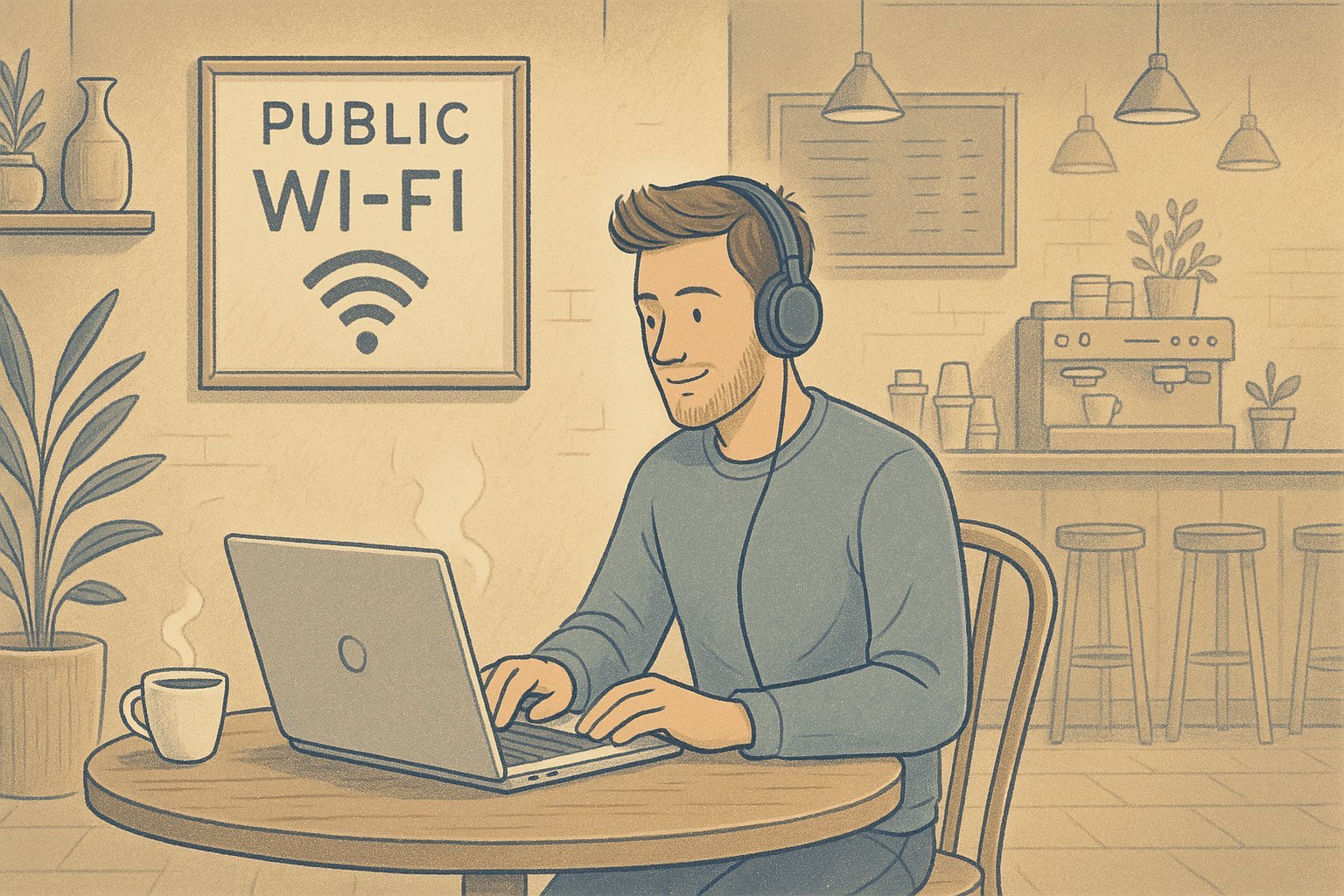
You’ve heard the warnings: “Never use public WiFi! Hackers are waiting!” But you’ve also got a deadline and the coffee shop has great lattes. So what’s the real risk? The honest answer is more nuanced than the scare stories — public WiFi in 2026 is considerably safer than it was a decade ago, but it’s not risk-free. Here’s what’s actually dangerous and how to protect yourself.
Is It Safe to Use Public WiFi at Coffee Shops? Why It’s Safer Than You Think
The big change: HTTPS. The vast majority of websites and apps now encrypt traffic by default — look for the padlock icon. That encryption protects your data even on sketchy networks; a snoop on the coffee shop WiFi sees scrambled gibberish, not your emails. Your banking app, Gmail, and social media all use strong encryption. The nightmare scenario of someone casually reading your passwords off the network is largely a relic of the pre-HTTPS era.
That said, “largely safe” isn’t “completely safe.” Here’s what can still go wrong:
- Evil twin networks: An attacker sets up a hotspot named “CoffeeShop_FreeWiFi” (note the subtle difference from the real “CoffeeShop WiFi”). Connect to it, and they sit between you and the internet, potentially intercepting even some encrypted traffic or serving phishing pages.
- Unencrypted sites and apps: A few stragglers still don’t use HTTPS. Data sent to them is fully visible on the network.
- Session hijacking: Sophisticated attackers can sometimes steal login cookies on unprotected connections.
- Malware distribution: Rare, but compromised public networks have been used to serve malicious downloads.
The FTC’s guide to using public WiFi safely and CISA’s public WiFi guidance both land in the same place: usable with precautions.
7 Precautions That Make Public WiFi Safe Enough
1. Verify the network name. Ask the barista which network is theirs. This single step defeats evil twin attacks, the most practical threat.
2. Use a VPN for sensitive work. A reputable VPN encrypts everything leaving your device, making the network itself irrelevant. You don’t need it running 24/7, but toggle it on for banking, work email, or anything sensitive. Paid VPNs ($3–$5/month) are more trustworthy than free ones — if a VPN is free, your data is the product.
3. Keep “ask to join networks” on. Your phone shouldn’t auto-connect to every open network it sees. On iPhone: Settings > WiFi > Ask to Join Networks > Ask. This prevents silently joining a malicious hotspot.
4. Forget the network when you leave. Your device will otherwise auto-reconnect whenever you’re nearby — including to an attacker’s copycat network later. Two taps to forget it.
5. Turn off AirDrop/file sharing. Set AirDrop to “Contacts Only” or “Receiving Off” in public. On Windows, set the network profile to “Public,” which locks down sharing automatically.
6. Keep software updated. Those update nags patch the exact vulnerabilities attackers exploit on public networks. An updated device on coffee shop WiFi is safer than an outdated one on home WiFi.
7. Use your phone’s hotspot instead when it matters. For truly sensitive tasks — tax filing, major financial moves — skip the public network entirely and tether to your phone. Cellular data is encrypted and far harder to intercept. See how to use your phone as a hotspot for your laptop if you haven’t set it up.
What You Should Never Do on Public WiFi
Even with precautions, some things aren’t worth the risk on a network you don’t control: don’t log into accounts on non-HTTPS sites (increasingly rare, but check for the padlock), don’t download software or updates (wait until you’re home — compromised networks can serve tampered files), and don’t do anything involving your Social Security number or full financial credentials unless you’re on a VPN. Also enable two-factor authentication on your accounts — it’s the safety net that protects you even if a password somehow leaks.
Your Digital Hygiene Matters More Than the Network
Here’s the perspective most warnings miss: the average person’s biggest security risks aren’t coffee shop hackers — they’re password reuse, no two-factor authentication, and outdated software. Someone reusing one password everywhere with no 2FA is vulnerable at home, at work, and at Starbucks equally. Lock down those fundamentals (unique passwords via a manager, 2FA everywhere, automatic updates), and public WiFi becomes a minor concern. If you’re cleaning up your digital footprint, also consider deleting your Google search history — it’s part of the same privacy hygiene.
Hotel and Airport WiFi: Same Rules, Higher Stakes
Hotel and airport networks deserve extra caution — not because the technology differs, but because you’re a juicier target while traveling. Attackers know travelers let their guard down and often access sensitive accounts (booking confirmations, banking, work email) on the road. The captive portals (those “enter your room number” login pages) are also prime phishing real estate — fake portals that harvest credentials are a documented attack. Rule of thumb while traveling: use a VPN by default, never enter credentials into a portal page that looks even slightly off, and prefer your phone’s hotspot for anything financial. The CISA travel security guidance is worth a read before any trip.
What If It’s a Work Laptop?
Different rules apply on company devices. Most employers require VPN use on any non-office network — check your IT policy rather than deciding yourself. Many corporate laptops also run endpoint protection that handles network threats automatically. But don’t assume IT has you fully covered: still verify network names, avoid downloading personal software on work machines over public WiFi, and never bypass your company’s VPN to “make things faster.” If your job involves client data, healthcare information, or financial records, the compliance requirements (and penalties for breaches) make public WiFi without VPN a genuine career risk, not just a personal one.
The Bottom Line
Coffee shop WiFi is reasonably safe for everyday browsing, email, and streaming thanks to widespread HTTPS encryption — with basic precautions (verify the network, use a VPN for sensitive stuff, forget the network after). Save the truly sensitive tasks for your phone hotspot or home network, keep your security fundamentals strong, and enjoy the latte without anxiety.