
 By admin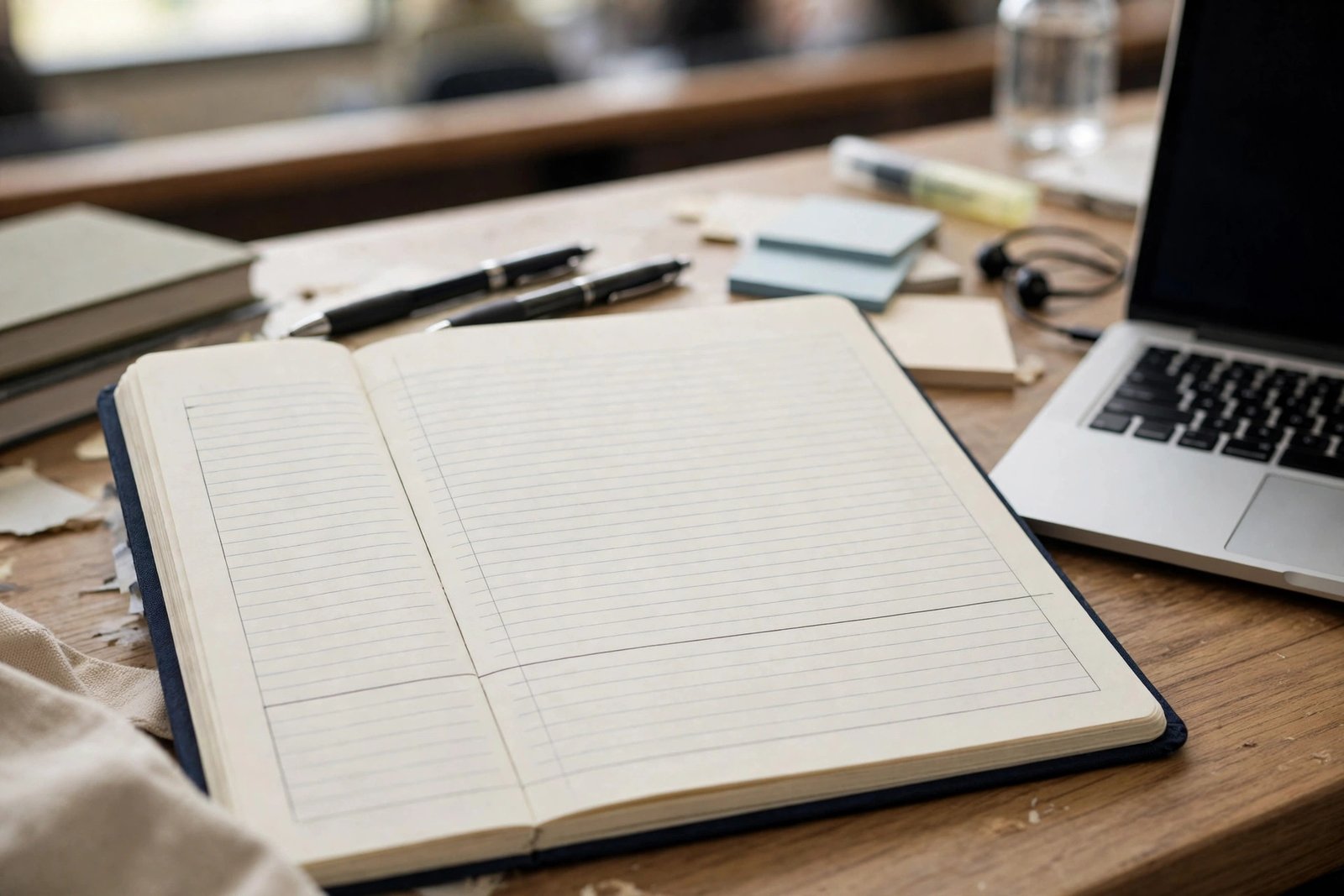
Most college students take notes the same way: transcribe the lecture as fast as possible, producing pages of text they never reread. It’s exhausting, and the research says it’s barely better than not taking notes at all — unless you do it right. The science of note-taking reveals a counterintuitive truth: the value isn’t in the notes you produce, but in the thinking the process forces. Here are the methods that actually work, matched to different lecture styles and subjects.
Why Most Note-Taking Fails
Verbatim transcription — especially on laptops — bypasses thinking. The landmark Mueller & Oppenheimer studies found laptop note-takers performed worse on conceptual questions than longhand note-takers, because typing enables mindless transcription while handwriting’s slowness forces selection and paraphrasing — which is where learning happens. (The effect is debated in replication, but the principle stands: notes that require processing beat notes that don’t.) The second failure: never reviewing. Notes you don’t revisit are a performance, not a tool. Any method below only works paired with active review habits — notes are the raw material, retrieval practice is the refinery.
The Methods, Ranked by Evidence
1. Cornell Notes (best all-rounder)
Divide the page: a wide right column for notes during lecture, a narrow left column for cues/questions added afterward, and a summary strip at the bottom. The magic is in the after-class ritual: within 24 hours, fill the cue column with questions the notes answer, then cover the notes and quiz yourself using only the cues. This bakes retrieval practice into your note system — you’re not just recording, you’re building a self-testing device. Cornell notes suit most lecture formats and most subjects, which is why they top every evidence-based list — Cornell’s own Learning Strategies Center still teaches the method.
2. Outline Method (best for structured lectures)
Hierarchical indentation: main topics, subtopics, details nested beneath. Works beautifully when professors lecture in clear hierarchies (most STEM and social science lectures) and fails when they ramble. The discipline of deciding what nests where forces real-time comprehension — you can’t outline what you don’t understand, which makes confusion visible immediately rather than at exam time.
3. Concept Mapping (best for connections-heavy subjects)
Start with the central concept, branch related ideas, draw labeled connections. Ideal for subjects where relationships matter more than sequences — biology systems, history causations, theory courses. Concept maps externalize the mental models experts build, and the act of drawing connections is itself high-value processing. They’re slower to produce, so use them for review synthesis rather than live lecture capture.
4. The Charting/Matrix Method (best for comparisons)
When lectures compare multiple items across dimensions (theories, historical periods, drug classes), build a table: items as rows, attributes as columns. Nothing organizes comparative information faster, and the completed matrix becomes a perfect exam-review tool. Recognize the pattern early in a lecture and switch to matrix mode.
5. Sentence Method (the fallback)
Numbered sentences, one idea per line, for fast-moving or disorganized lectures where structure is impossible in real time. It’s the least processed method — so it demands the most after-class work: reorganize into Cornell or outline format within 24 hours. Better than nothing, but treat it as raw capture requiring refinement.
Handwritten vs. Typed: The Practical Verdict
Handwriting wins for conceptual learning (forces processing, fewer distractions, better diagrams); typing wins for speed and completeness in fast lectures, plus searchability. The pragmatic answer: handwrite when the lecture is conceptual and paced reasonably; type when it’s fact-dense and fast — but type with discipline — phone away, tabs closed — processing-oriented notes, not transcription. Tablet + stylus splits the difference nicely: handwriting’s processing benefits with digital organization — and a budget-friendly device handles note-taking as well as a premium one. Whatever the medium, the research consensus is clear that reviewing and reorganizing notes within 24 hours matters more than the capture method itself.
The After-Lecture Ritual (Where Notes Become Learning)
This 15-minute routine multiplies any method’s value: (1) Within 24 hours, review and clean up notes — fill gaps, clarify abbreviations, mark confusion points. (2) Add cue questions (Cornell-style) or highlight the 20% of content likely to be tested. (3) Do a 5-minute blank-page recall of the lecture’s key ideas — this converts notes into memory. (4) Note questions for office hours. Students who do this consistently outperform those with “better” notes they never revisit — the review habit beats the method. Pair it with spaced repetition across the semester and exam prep becomes review, not relearning.
Adapting to Lecture Styles
Fast talkers: use abbreviations and symbols (develop a personal shorthand), focus on capturing structure over details, fill in from slides/readings after. Slide-heavy lecturers: don’t copy slides (you have them) — note what the professor adds verbally, which is what gets tested. Discussion seminars: note key arguments, who said what, and your own reactions — the thinking matters more than the content. Lab/practical sessions: record procedures, observations, and what went wrong — the errors teach most. And for recorded online lectures, resist the pause-transcribe trap — watch at 1.25x taking Cornell notes, then rewind only for genuinely missed points.
Conclusion
The best note-taking method is Cornell notes for most situations — capture on the right, cue questions on the left, summary at the bottom, and a 24-hour review ritual that turns notes into a self-testing system. Adapt with outlines for structured lectures, concept maps for connected subjects, and matrices for comparisons. Write by hand when you can, process always, and review relentlessly. Notes don’t learn for you — but the right method makes your brain do the learning while your pen moves.
Frequently Asked Questions
What is the best note-taking method for college?
Cornell notes — the cue-column system builds self-testing into your notes, and the evidence for retrieval practice is the strongest in learning science. Adapt with outlines, concept maps, or matrices for specific lecture types.
Is it better to take notes by hand or on a laptop?
Handwriting generally produces better conceptual learning (it forces processing and paraphrasing); laptops win on speed and searchability. The 24-hour review matters more than the medium — but if you type, close all distractions and avoid verbatim transcription.
How do I take notes in fast lectures?
Use abbreviations and personal shorthand, capture structure over details, don’t copy slides you already have (note the professor’s verbal additions instead), and fill gaps within 24 hours while memory is fresh.
Should I rewrite my notes after class?
Reorganizing (into Cornell format, outlines, or concept maps) — yes, it’s high-value processing. Mindlessly recopying — no, it’s transcription theater. The key is transforming the notes, not duplicating them.
How often should I review my notes?
Within 24 hours (cleanup + cue questions), then on a spaced schedule: 3 days, a week, two weeks. Each review should include self-testing from the cue column, not just rereading.
What if my professor talks too fast to take notes?
Prioritize structure over completeness: capture headings, key terms, and the logical flow, then fill details from slides or readings within 24 hours. Ask the professor if lectures are recorded — many are. And sit near the front; it genuinely improves focus and comprehension.
Should I share my notes with classmates?
Sharing can help both parties — explaining your notes to someone else is itself powerful retrieval practice. But don’t let note-sharing replace anyone’s own processing; the learning happens in the making and reviewing, not in possessing the file.