
 By admin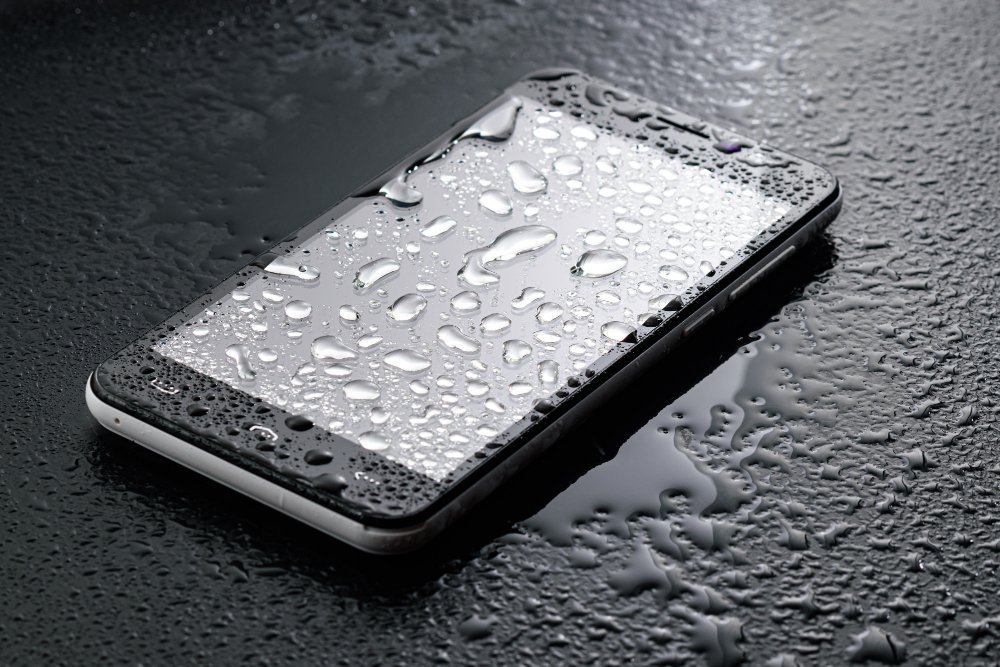
It happens in a split second — a slip near the pool, a phone knocked into the sink, a downpour you didn’t see coming. Your heart drops faster than the phone did. What you do in the next few minutes genuinely determines whether your phone survives, so let’s get this right.
What should I do if my phone gets wet?
1. Get it out of the water immediately. Obvious, but every second counts — water resistance ratings are measured in minutes, not hours.
2. Power it off right away. Don’t test whether it still works. Electricity + water + powered circuits is what kills phones. Hold the power button and shut it down. If it was already off, leave it off.
3. Remove the case, SIM tray, and anything plugged in. Cases trap water against the phone. Pop the SIM tray out too — it opens a vent for moisture to escape. Take out any SD card as well.
The Drying Process (Forget the Rice)
4. Dry the exterior gently. Use a soft, lint-free cloth or microfiber towel. Dab — don’t rub — around ports, speakers, and buttons. You can gently shake the phone with the charging port facing down to coax water out. Apple’s own guidance for wet iPhones recommends exactly this: tap the phone gently against your hand with the connector facing down.
5. Let it air dry — patience is the whole trick. Stand the phone upright in a well-ventilated spot and leave it alone for at least 24 hours, ideally 48. A fan blowing nearby (not hot air) helps. Do NOT use a hair dryer — heat damages batteries and can push moisture deeper inside.
6. Skip the rice. I know your uncle swears by it, but rice is mostly a myth. Studies and repair techs agree: rice absorbs moisture barely better than open air, and worse, starch dust and tiny grains get into your ports and cause new problems. Silica gel packets (the little “do not eat” pouches) actually work if you have them — seal the phone in a bag with several packets. But plain air drying beats rice every time.
7. Wait before charging. This is the step people mess up. Charging a wet phone can short the charging port permanently. Wait a full 24 hours minimum. If your phone warns about liquid in the connector, believe it and wait longer. Wireless charging is slightly safer than a cable once the exterior is dry, but patience is still the move.
What About “Waterproof” Phones?
Here’s the fine print nobody reads: phones are water-resistant, not waterproof. That IP68 rating means it survived lab tests in fresh water when it was brand new. Real life involves pool chemicals, salt water, soap, and aging seals — all of which defeat water resistance. And here’s the kicker: water damage is excluded from virtually every manufacturer warranty, including Apple’s. Check Apple’s water resistance information — even they tell you to minimize exposure.
Salt water and chlorinated pool water are far worse than fresh water because they corrode internal components. If your phone took a dip in the ocean, rinse it gently with fresh water first (yes, really — with the phone powered off), then dry as above. Samsung’s water damage guidance says the same for Galaxy phones.
After It’s Dry: Test Carefully
Once 24–48 hours have passed, power it on. Test the touchscreen, speakers (play music — muffled sound that clears up over a day is normal), cameras, and charging. If anything behaves strangely — random reboots, dead spots on the screen, the battery draining weirdly — back up your data immediately, because the phone may be living on borrowed time. That’s also a good moment to read how to make your phone last longer before upgrading — babying a recovered phone can buy you another year.
When to Take It to a Shop
If the phone won’t power on after 48 hours of drying, or it powers on but acts possessed, take it to a repair shop and tell them exactly what happened. Pros have ultrasonic cleaners and can sometimes save phones that seem dead. Just know that water damage repair is one of the less predictable fixes — get a quote before committing. what to look for when buying a refurbished phone
Salt Water and Pool Water Need Extra Attention
Not all water is equal. Fresh water is the best-case scenario — dry it out and you’ll probably be fine. Chlorinated pool water and especially salt water are corrosive: salt crystals continue damaging components long after the water evaporates, and chlorine attacks seals and coatings. If your phone went swimming in the ocean or a pool, the standard advice changes slightly: after powering off, give it a gentle rinse under clean fresh water to wash away salt or chlorine before drying. I know rinsing a wet phone sounds insane, but repair technicians recommend it — corrosive residue does more long-term damage than a brief fresh-water rinse. Then proceed with the full 48-hour drying routine, and be extra vigilant testing it afterward.
Should You File an Insurance Claim?
If the phone doesn’t recover, check your coverage before paying for a replacement outright. Carrier insurance and AppleCare+ both cover water damage (AppleCare+ charges a $99 incident fee for “other damage” — still far cheaper than a new phone). Credit card phone protection, mentioned earlier, typically covers theft and damage including water exposure. File sooner rather than later — most plans have claim windows of 60–90 days from the incident. Document everything: take photos of the phone, note the date and what happened, and keep any repair shop assessments. Even if you’re not sure the claim will be approved, the phone call is free and the worst they can say is no.
The Bottom Line
Power off, strip the case, dry gently, air dry for 24–48 hours, don’t charge early, and skip the rice. Most fresh-water dunkings are survivable if you act fast and stay patient. And once your phone’s back from the brink, a waterproof pouch for pool days costs about $10 — cheap insurance against doing this twice.
[…] as seals age — treat a 3-year-old “waterproof” phone as splash-resistant at best; see what to do if your phone gets wet), and avoid wireless charging heat if your phone runs hot on the pad — cable charging is gentler […]