
 By admin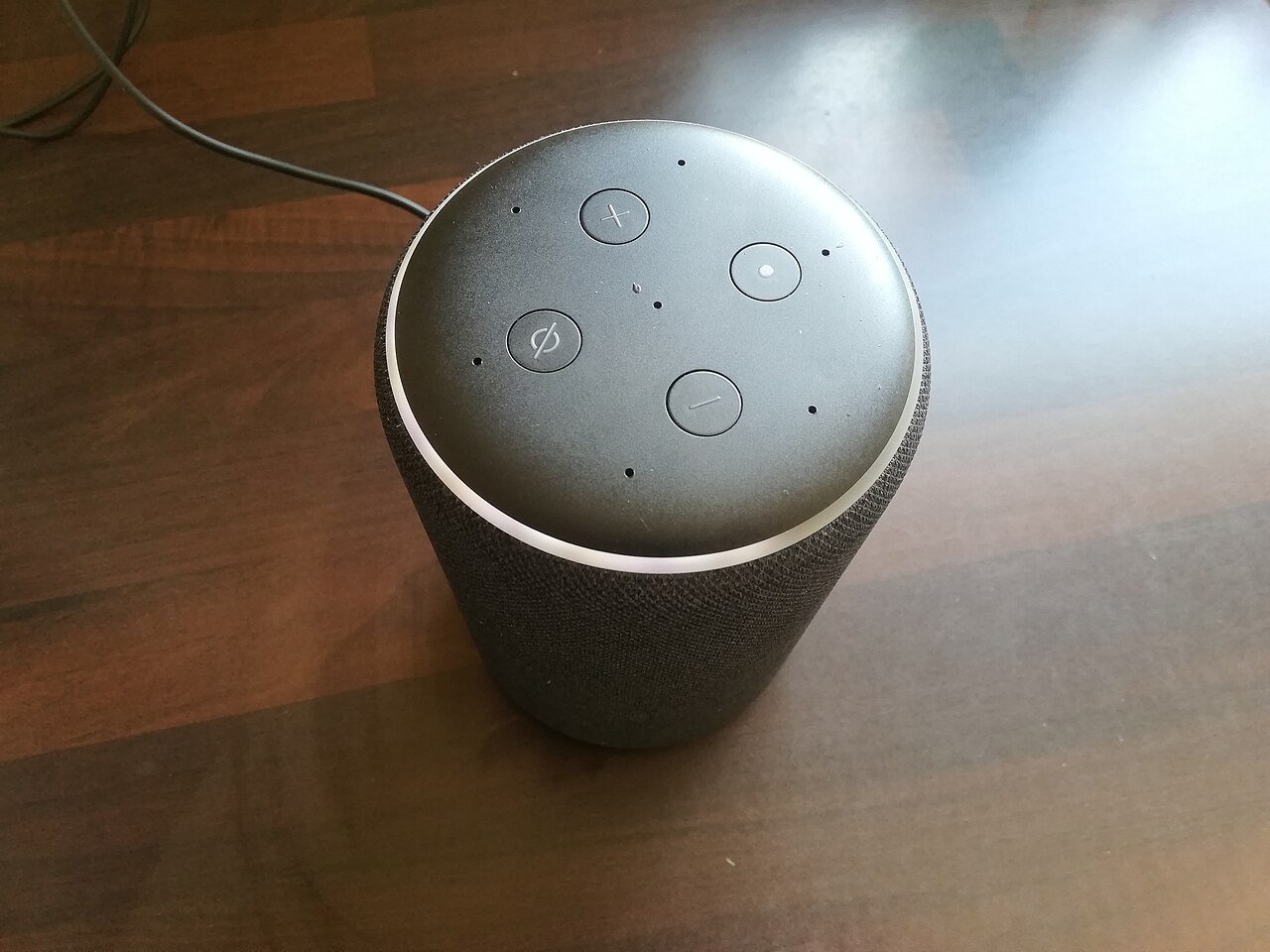
What are the privacy concerns with AI voice assistants? There’s a microphone in your kitchen that’s always listening. It has to be — that’s how it hears “Alexa” or “Hey Siri.” Most of us accepted this trade-off years ago without much thought, in exchange for setting timers with messy hands and asking for the weather from the shower. But as these assistants get smarter and more deeply integrated into our homes, it’s worth revisiting what we’re actually agreeing to. The privacy picture is more nuanced — and more manageable — than the scariest headlines suggest.
What Are the Privacy Concerns With AI Voice Assistants? The Core Issues
The fundamental concern is the always-on microphone. Manufacturers insist devices only record after hearing the wake word, processing everything else locally and discarding it. That’s mostly true — but “mostly” carries weight. False wake-word triggers happen regularly; studies have found smart speakers accidentally activating and recording dozens of times a day in some households. Those accidental recordings get sent to company servers like intentional ones. It’s not a conspiracy — it’s an engineering limitation of listening for a word in continuous audio.
Then there’s what happens to your recordings. Historically, companies used human reviewers to listen to anonymized voice clips to improve their AI — a practice that sparked justified outrage when revealed, since users hadn’t meaningfully consented. The major providers now offer opt-outs and have tightened policies, but the defaults and the data retention practices deserve your attention. Your voice recordings, linked to your account, sitting on corporate servers indefinitely — that’s the asset at the center of every privacy question here.
The Specific Concerns, Plainly Stated
- Accidental recording: False triggers capture private conversations — arguments, confidential calls, intimate moments — and upload them. Review and delete these regularly.
- Data retention: By default, many assistants keep your voice history indefinitely. You can usually set auto-deletion (3 or 18 months) or delete manually — but you have to opt in.
- Human review: Check whether your provider uses human reviewers on voice data and opt out if the option exists. This setting is often buried three menus deep.
- Voice profiling: Your voice is biometric data — potentially usable to identify you, infer emotions, or detect health conditions. Protections for voice data lag behind those for other biometrics.
- Third-party skills and actions: Voice apps from third-party developers may have their own data practices. A sketchy “skill” can be a data-collection front — audit which ones you’ve enabled.
- Children’s privacy: Kids talk to these devices constantly, often sharing personal details freely. COPPA provides some protections, but parental vigilance matters more. See our guide on talking to kids about AI.
- Law enforcement access: Voice assistant data has been subpoenaed in criminal cases. Your Echo could theoretically become a witness — a fact worth knowing, not fearing.
What You Can Actually Do About It
You’re not powerless here — far from it. Use the mute button when discussing anything sensitive; it’s a physical disconnect, not a software promise. Set voice recordings to auto-delete. Opt out of human review and data sharing for product improvement. Regularly review and delete your voice history (all three major platforms let you do this by voice command or in the app). Don’t place smart speakers in bedrooms or home offices where confidential conversations happen. And periodically audit connected third-party skills, removing anything you don’t actively use. These five minutes of settings hygiene eliminate most of the realistic risk.
The broader question of what you share with AI systems applies here too — our guide on sharing personal information with AI chatbots covers the text-based side, and the principles are the same: know where your data goes, minimize what you share, and use the privacy controls available.
Room-by-Room Smart Speaker Guide
Where you place voice assistants matters as much as how you configure them. Kitchen: the ideal smart speaker location — timers, conversions, music, and shopping lists, all hands-free where your hands are busiest. Privacy risk is low; kitchen conversations are rarely sensitive. This is the room to start with.
Living room: great for music, TV control, and general questions. Moderate caution — family discussions happen here. Use the mute button during sensitive conversations; it’s a physical switch, not a software promise. Bedroom: think twice. The convenience of voice-controlled alarms and sleep sounds is real, but bedrooms host your most private moments. If you keep one here, enable auto-delete on recordings and consider muting overnight — or just use your phone’s alarm instead.
Home office: highest caution. Work calls, confidential discussions, financial matters — a smart speaker here is a liability unless strictly managed. Many remote workers with security-sensitive jobs remove them from offices entirely, and that’s the right call. Kids’ rooms: set up child profiles with purchase restrictions, review privacy settings for children’s data specifically, and have the “don’t tell it secrets” conversation early and often.
The principle: match the device’s presence to the room’s privacy level. High-utility, low-privacy rooms (kitchen) get speakers freely; low-utility, high-privacy rooms (office, bedroom) get scrutiny or nothing. It’s not paranoia — it’s basic security hygiene applied to microphones you invited into your home.
A Balanced Perspective
Let’s keep perspective. There’s no evidence of systematic eavesdropping for advertising — the “my phone heard me talk about shoes” phenomenon is better explained by the vast data brokers already hold on you than by microphone surveillance. The realistic risks are mundane: accidental recordings, over-retention, and third-party overreach — all manageable with the settings above. The Electronic Frontier Foundation’s privacy guides offer deeper dives if you want to go further down this path.
Voice assistants are genuinely useful — accessibility for elderly and disabled users alone justifies their existence, a topic we explore in how seniors benefit from AI technology. The goal isn’t to fear the microphone; it’s to own the relationship. Adjust the settings, use the mute button, and enjoy the convenience with your eyes open. Privacy isn’t about having nothing to hide — it’s about deciding what you share, with whom, and on what terms. That decision is still yours.